Table of contents
Selecting the right web hosting environment is a foundational decision that dictates the performance, security, and long-term viability of your digital presence. For beginners, the market often presents a confusing array of low-cost entry points that prioritize marketing metrics like disk space over the technical realities of site management. True stability, however, is rarely found in the cheapest shared plans. Instead, it emerges from a strategic focus on infrastructure resilience, proactive resource management, and the quality of technical support available when challenges arise. Whether you are launching a personal blog or a growing business site, understanding how your hosting provider handles traffic spikes, data backups, and server-level optimizations is essential for preventing downtime.
This guide moves beyond surface-level comparisons to examine the mechanics of hosting architecture. You will learn why scalability is a critical requirement for future-proofing your site, how to distinguish between self-service platforms and full-service partners, and why specialized environments—such as managed WordPress hosting—can significantly reduce your operational burden. By shifting your perspective from reactive troubleshooting to proactive infrastructure design, you can build a site that remains performant and secure under pressure. The following sections provide a structured framework for evaluating providers, preparing for site migrations, and optimizing your technical stack to ensure your online project remains stable, accessible, and ready for growth regardless of the traffic demands it may face in the future.
Defining Your Hosting Needs as a Beginner

Selecting your first web hosting plan is a foundational decision that influences your site’s long-term stability. While it is tempting to prioritize the lowest monthly cost, reliability and support are more important than price for beginners. A stable hosting environment ensures your site remains accessible, while responsive technical support acts as a safety net when you encounter inevitable configuration hurdles.
Key considerations for Defining Your Hosting Needs as a Beginner
When evaluating potential providers, look beyond basic storage and bandwidth metrics. A robust foundation requires essential features that protect your data and maintain site integrity. Ensure your chosen plan includes:
- Free SSL certificates to encrypt data and build visitor trust.
- Automatic backups to facilitate quick recovery in the event of accidental data loss or site corruption.
- DDoS protection to mitigate malicious traffic spikes that could otherwise take your site offline.
The useful signal here is that these features are not optional add-ons; they are standard requirements for any modern website. If a provider charges extra for basic security or backup functionality, it often indicates a business model that prioritizes upsells over user success.
Practical checks for Defining Your Hosting Needs as a Beginner
Before committing to a provider, perform a few simple checks to gauge their suitability for a growing project. First, verify the ease of use of their control panel; you should be able to manage your site, databases, and email accounts without needing advanced system administration skills. Second, assess the provider’s scalability. Even if your site is small today, you should have a clear path to upgrade your CPU, RAM, or storage resources as your audience grows, without being forced into a complex or disruptive infrastructure migration.
Technical support responsiveness is another critical indicator. Test their support channels before you sign up. A provider that offers fast, clear communication during the pre-sales phase is more likely to provide the same level of care when you face a technical issue at 3 AM. Ultimately, the goal is to choose a partner that allows you to focus on your content rather than constantly troubleshooting server-level limitations.
Understanding Scalability and Traffic Management
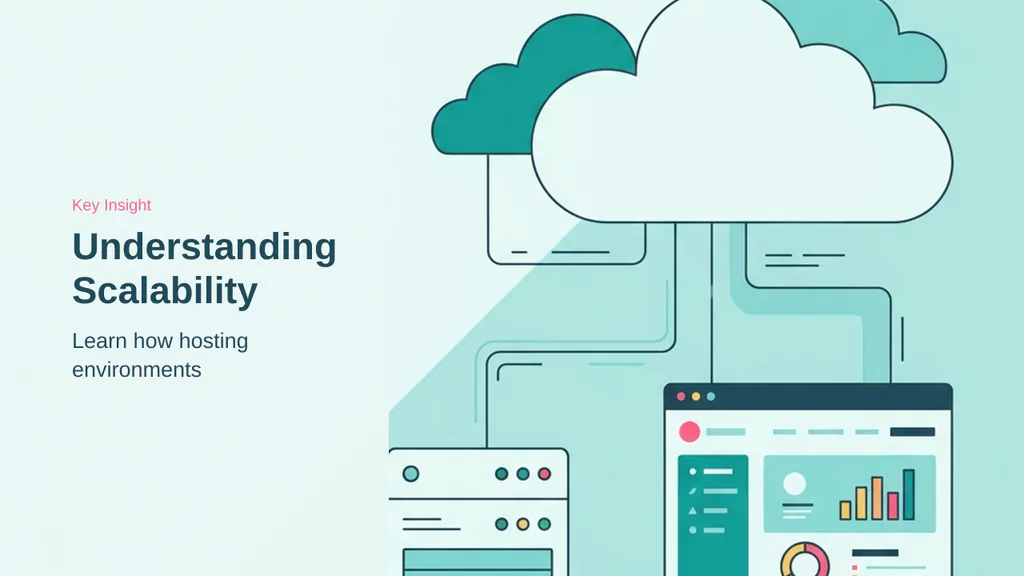
Scalability in web hosting refers to the ability to increase resources such as CPU, RAM, bandwidth, or storage as a website grows over time. This allows websites to maintain stable performance without requiring a complete infrastructure migration. A scalable hosting environment helps reduce downtime, improve page loading speed, and provide a more consistent user experience.
How traffic spikes expose infrastructure limits
Traffic spikes are usually handled in layers: edge caching absorbs repeat page views, a CDN reduces distance and filters bad traffic, load balancing distributes demand, and the origin server handles everything that cannot be cached. The critical issue is that most traditional hosting providers survive surges by leaning heavily on front-end caching. That works when visitors are anonymously browsing static pages. It does not work nearly as well when the spike is commercial or interactive.
The real stress test starts when users log in, search, filter products, add items to a WooCommerce cart, update checkout details, or access personalized account pages. These requests are dynamic and typically bypass cache, going straight to PHP, the database, and the origin CPU. This is where many hosting environments expose their limits. Artificial PHP worker caps, slow database response, and reactive scaling can create queues long before a site appears “down.” The result is often slow checkout, failed carts, 502 or 504 errors, and lost revenue at the exact moment demand is highest.
Preparing for dynamic content demands
Website owners should prepare for spikes by testing real revenue paths, not just the homepage. A cached homepage can score well while the cart, checkout, and search experience collapse under load. They should also audit heavy plugins, clean up database bloat, use object caching where appropriate, and understand their host’s commercial terms before a campaign or viral event. Many providers treat traffic spikes as an upsell moment through forced plan upgrades, bandwidth limits, worker restrictions, or overage charges.
Beyond basic resource limits, infrastructure-level traffic management is essential for maintaining stability during unexpected surges. When a site relies solely on front-end caching, it remains vulnerable to requests that require real-time processing, such as database queries or authenticated user sessions. Implementing distributed infrastructure, such as content delivery networks (CDNs) and load balancers, helps mitigate these risks by offloading static assets and distributing incoming traffic across multiple nodes. This prevents any single point of failure from causing a site-wide outage.
- Test actual revenue paths like checkout and search, not just static pages.
- Audit heavy plugins and database bloat to reduce origin server stress.
- Review host commercial terms regarding bandwidth limits and worker restrictions.
- Implement object caching to handle dynamic requests more efficiently.
- Monitor server performance during peak traffic to identify potential bottlenecks.
Furthermore, proactive monitoring allows administrators to identify resource bottlenecks before they impact the end-user experience. By tracking metrics like CPU usage, memory consumption, and database query latency, businesses can make informed decisions about when to scale resources. This data-driven approach ensures that infrastructure adjustments are made in anticipation of demand rather than as a reactive measure to system failures, ultimately supporting consistent performance and business continuity.
Building Website Resilience Against Outages
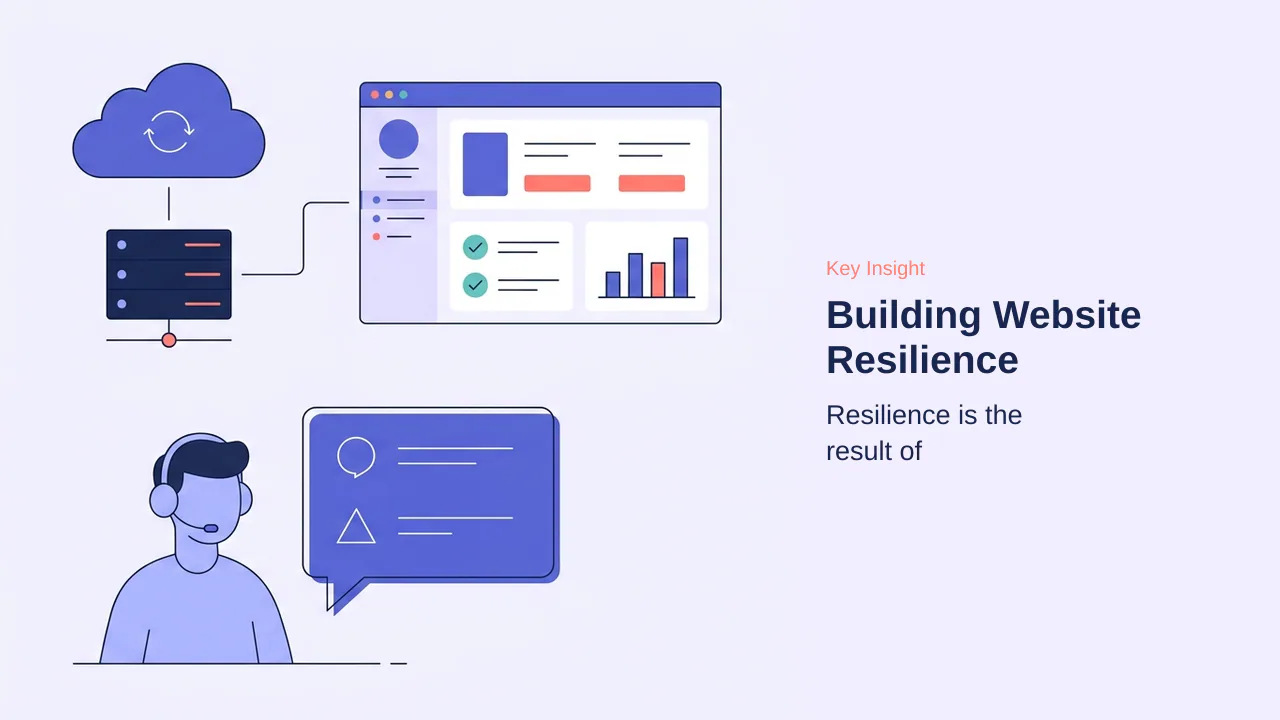
Resilience is the result of proactive infrastructure design rather than reactive support. While many users associate stability with the speed of a support team, the most effective hosting environments are built to minimize the likelihood of failure before it occurs. A truly resilient setup integrates monitoring, resource allocation, and security into a cohesive architecture that maintains uptime even under unexpected pressure.
The useful signal here is that resilience is not a single feature, but a combination of preventative measures working in tandem. When infrastructure is designed to handle stress, the need for emergency support drops significantly, allowing business owners to focus on growth rather than troubleshooting.
- Automated backups must be frequent and easily restorable to minimize data loss during failures.
- Proactive monitoring identifies resource bottlenecks before they trigger a site-wide outage.
- Resource isolation ensures that one site’s traffic spike does not crash neighboring accounts on shared hardware.
- Security hardening at the infrastructure level prevents malicious traffic from consuming server CPU and memory.
- Redundant systems provide failover capabilities that keep services online if individual hardware components experience issues.
Good hosting should reduce the chance of failure before it occurs. If a customer needs to contact support at 3AM because their website is constantly down, that is usually a sign that the foundation is not strong enough. Resilience depends on backups, monitoring, and resource allocation, ensuring that the business keeps moving even when technical challenges arise. By prioritizing these structural elements, website owners create a stable environment that supports long-term success.
Beyond these core technical pillars, resilience also requires a shift in how administrators manage updates and configuration changes. A common failure point in otherwise stable environments is the deployment of untested code or plugin updates directly to a live site. By utilizing staging environments, administrators can verify that new updates do not conflict with existing themes or critical functionality, effectively neutralizing the risk of a self-inflicted outage. This practice transforms maintenance from a high-stakes event into a controlled, predictable process.
Furthermore, the physical and logical location of your infrastructure plays a significant role in long-term stability. Distributed systems, such as those utilizing content delivery networks, ensure that your site remains accessible even if specific regional nodes experience connectivity issues. When combined with proactive monitoring, which alerts administrators to anomalies like unusual CPU usage or failed database queries, these measures allow for intervention before a minor bottleneck escalates into a total service disruption. This layered approach to architecture ensures that the hosting environment is an active participant in maintaining business continuity.
Ultimately, the goal of a resilient hosting strategy is to minimize the dependency on human intervention during peak hours. When the infrastructure is configured to handle routine traffic fluctuations, security threats, and automated maintenance tasks, the need for emergency support is drastically reduced. This stability provides a foundation where the business can operate with confidence, knowing that the underlying systems are designed to withstand common technical challenges without requiring constant oversight or reactive troubleshooting.
Beyond these technical safeguards, resilience is also tied to the operational transparency of your hosting provider. A provider that proactively communicates maintenance schedules allows for better internal planning, ensuring that your team can prepare for potential downtime rather than reacting to it. This level of communication is a hallmark of a partner-focused relationship, where the provider treats your business continuity as a shared objective. When you have clear visibility into the health of your infrastructure, you can make informed decisions about when to deploy updates or scale resources, effectively reducing the risk of human error during critical periods.
Furthermore, assessing the total cost of ownership over a multi-year horizon is more accurate than focusing solely on initial pricing. While budget-friendly plans may seem attractive, they often lack the proactive monitoring and support responsiveness needed to prevent major outages. A provider that invests in high-quality infrastructure and responsive support may carry a higher upfront cost, but this is often offset by the reduction in emergency troubleshooting and lost revenue. By prioritizing long-term stability, businesses avoid the hidden costs associated with frequent downtime and the technical debt that accumulates when infrastructure is not properly maintained.
Finally, the ease of migration and data portability are essential for avoiding vendor lock-in. A resilient strategy includes the ability to transition your digital assets to a new environment if your current provider fails to meet your evolving needs. By ensuring that your data is portable and that you maintain control over your configurations, you protect your business against the risk of being trapped in an inflexible or underperforming hosting agreement. This structural independence is a critical component of long-term resilience, allowing you to adapt to changing technical requirements without being hindered by restrictive provider policies.
Large Providers vs. Specialized Full-Service Hosts
Choosing between a large, self-service provider and a specialized full-service host depends on your technical capacity and the value you place on your time. Large providers offer competitive prices and robust infrastructure, but they operate on a self-service model. You receive the platform, tools, and documentation, but the responsibility for configuration, updates, and troubleshooting rests entirely with you or your agency.
The self-service model
Large hosting providers are designed for users who possess the time and interest to manage their own technical environment. This approach is often cost-effective and provides significant control, making it suitable for businesses that have dedicated technical staff or those comfortable navigating control panels and server settings. However, the burden of maintenance is yours. If a software update, such as a PHP version change, requires code adjustments, you are responsible for identifying the need, testing compatibility, and implementing the fix. Without proactive management, you risk performance degradation or security vulnerabilities if updates are neglected.
The full-service partnership approach
A specialized full-service provider functions as a technical partner rather than just a utility. The core philosophy is to allow you to focus on your business while they manage the technical complexities of hosting, email, and application maintenance. Proactive management is the defining feature of this model, where the provider handles updates, configuration, and technical support before issues escalate into outages. This partnership model shifts the burden of technical oversight away from the business owner, ensuring that software compatibility and performance optimizations are handled by experts who understand your specific requirements.
Note: While full-service providers may have higher upfront costs, they often prevent hidden expenses associated with downtime, manual maintenance, or the need to hire external technical support to fix self-service errors.
Beyond the initial setup, the long-term operational cost of each model differs significantly. With a self-service provider, you must account for the time spent on routine maintenance, such as auditing plugin compatibility after WordPress core updates or manually clearing database bloat. These tasks, while seemingly minor, accumulate into a substantial time investment that can distract from core business activities. If your team lacks the technical expertise to diagnose server-side performance bottlenecks, you may eventually need to hire external consultants, which often negates the savings gained from lower monthly hosting fees.
Conversely, the full-service partnership model treats these operational tasks as part of the service agreement. By offloading the burden of configuration, security patching, and performance tuning to the provider, you gain a predictable operational baseline. This is particularly advantageous for businesses that rely on complex integrations, such as WooCommerce stores, where a single configuration error can lead to checkout failures or lost revenue. The useful signal for buyers is that full-service providers act as an extension of your team, proactively monitoring for issues and applying fixes before they impact your site’s availability or performance.
Ultimately, the choice hinges on your internal resources. If you have a dedicated developer or a strong interest in managing your own stack, the self-service model offers maximum control and cost efficiency. However, if your priority is business continuity and you prefer to minimize technical overhead, the partnership approach provides the stability required to scale without the constant need for manual intervention. Evaluating your team’s capacity to handle these technical demands is the most effective way to determine which hosting model aligns with your long-term growth strategy.
Critical Factors Often Ignored by Businesses

Many businesses focus heavily on storage space, bandwidth, or monthly pricing when selecting a hosting provider. However, the most overlooked factors are often the ones that have the greatest long-term impact on business continuity. The first factor is the quality and responsiveness of technical support. Even the best infrastructure can experience issues, and the difference between a minor incident and a major outage often depends on how quickly the hosting provider responds.
The second factor is the provider’s backup and disaster recovery strategy. Businesses should understand how frequently backups are performed, how long they are retained, and how quickly services can be restored if something goes wrong. Another commonly overlooked area is infrastructure quality. Enterprise-grade hardware, redundant power systems, reliable networking, and proactive monitoring contribute significantly to uptime and performance.
Finally, businesses should evaluate scalability. A hosting provider should be able to support future growth without requiring complex migrations or prolonged downtime. Ultimately, the best hosting provider is not necessarily the cheapest one, but the one that delivers the right balance of reliability, performance, security, support, and long-term scalability.
Support responsiveness is a primary factor in preventing major outages. When technical issues arise, the speed of resolution directly impacts the duration of downtime. Backup and disaster recovery frequency also impact recovery time, as more frequent backups minimize data loss during restoration.
- Evaluate support response times during off-peak hours.
- Verify the frequency and retention period of automated backups.
- Assess the provider’s infrastructure redundancy and monitoring capabilities.
- Confirm that scalability paths do not require manual migrations.
Beyond immediate technical metrics, businesses must evaluate the operational transparency of their hosting partner. A provider that proactively communicates maintenance schedules, known infrastructure limitations, and security updates allows for better internal planning. This transparency is a key indicator of a mature hosting environment where the provider acts as an extension of the business team rather than a distant utility. When a host hides behind generic error messages or lacks clear documentation on resource usage, it creates an information gap that can lead to reactive, emergency-driven decision-making during critical periods.
Furthermore, the long-term financial predictability of a hosting plan is often ignored. While initial promotional pricing is attractive, businesses should audit the renewal costs and the potential for hidden fees related to bandwidth overages, support tiers, or mandatory software upgrades. A provider that forces expensive plan migrations to accommodate minor traffic growth can disrupt cash flow and operational stability. Evaluating the total cost of ownership over a three-year horizon provides a more accurate picture of the investment than focusing solely on the first-year invoice.
Finally, consider the portability of your data and the ease of exiting a service agreement. A resilient business strategy includes an exit plan. If a provider makes it difficult to export databases, migrate files, or transfer domain configurations, they are effectively creating vendor lock-in. Assessing the ease of migration—both into and out of a platform—ensures that the business retains control over its digital assets regardless of the hosting provider’s future performance or policy changes.
- Audit renewal pricing and potential overage charges before committing to long-term contracts.
- Review the provider’s documentation for clear, non-technical explanations of resource limits.
- Test the ease of data export and site migration to ensure future flexibility.
- Prioritize partners who offer proactive communication regarding infrastructure health.
Preparing for Redesigns and Migrations
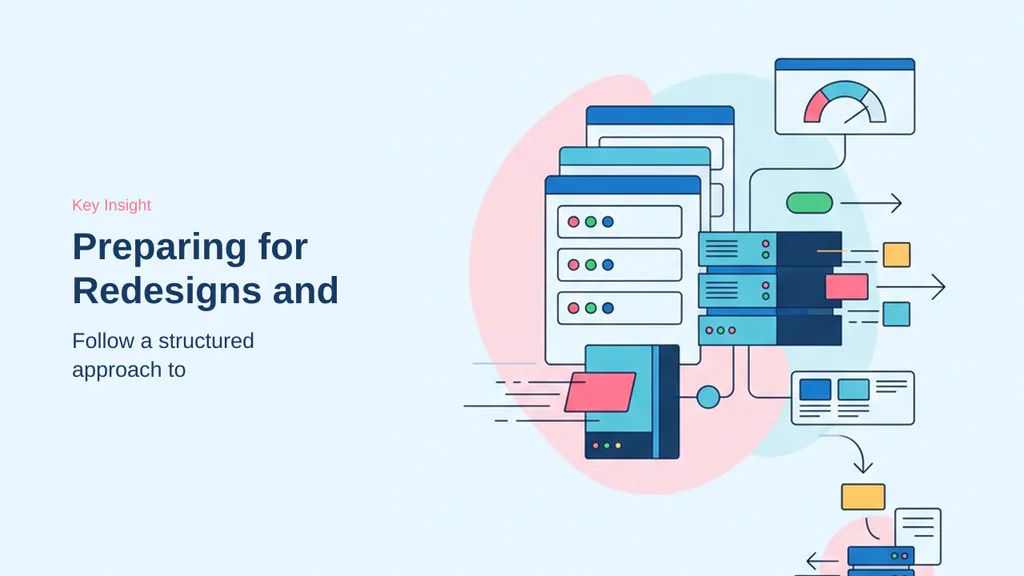
Major site changes, such as redesigns or platform migrations, introduce significant risk to uptime and data integrity. A structured approach is essential to ensure that transitions occur without disrupting business operations or losing search engine rankings. Careful planning and thorough testing are the primary defenses against the common pitfalls that lead to prolonged downtime or broken functionality.
Pre-launch testing and staging
Before any major update, businesses must verify that the new environment can handle the site’s requirements. Staging environments are essential for testing before deployment, providing a sandbox that mirrors the production site. During this phase, teams should validate software compatibility, third-party integrations, and database performance. It is also critical to audit URL structures and redirects to prevent broken links that could negatively impact SEO performance.
- Create complete backups of the current production site.
- Deploy and test all changes in a staging environment.
- Verify SSL certificates and DNS configurations.
- Test site functionality across multiple devices and browsers.
- Review database performance and storage capacity.
Post-migration monitoring strategies
Once the migration or redesign is live, the focus shifts to immediate verification and performance tracking. A rollback plan is necessary for quick recovery from failures, ensuring that the previous version of the website can be restored if unexpected issues arise. Proactive monitoring tools should be configured before launch to track uptime, page speed, and server performance in real-time.
Note: Always coordinate with developers and stakeholders to establish a clear timeline, minimizing the impact of potential disruptions on your users.
Beyond the initial setup, maintaining a consistent deployment workflow is vital for long-term stability. Administrators should implement a version control system to track changes, ensuring that every modification to the site’s code or configuration is documented and reversible. This practice prevents the accumulation of technical debt and makes it easier to pinpoint the source of errors when they occur. Furthermore, automating the deployment process through continuous integration pipelines can significantly reduce human error, as manual updates are often prone to oversight during high-pressure periods.
Security audits should also be integrated into the migration process. Before moving a site to a new environment, verify that all plugins, themes, and core software are updated to their latest versions to patch known vulnerabilities. It is also advisable to conduct a final scan for malware and unauthorized scripts, as these can be inadvertently migrated to the new server, compromising the site’s integrity from day one. By treating migration as a security event rather than just a technical move, businesses can ensure their new environment is hardened against threats from the outset.
Finally, communication with the hosting provider is a critical, yet often overlooked, component of a successful transition. Informing the support team of the migration schedule allows them to monitor server health proactively and provide immediate assistance if resource bottlenecks or configuration conflicts arise. This collaborative approach ensures that technical experts are prepared to intervene, minimizing the potential for downtime and ensuring that the transition remains within the planned timeline. Establishing this relationship early helps build a foundation of trust and reliability that supports the site’s ongoing performance and growth.
Optimizing Hosting for WordPress Workloads
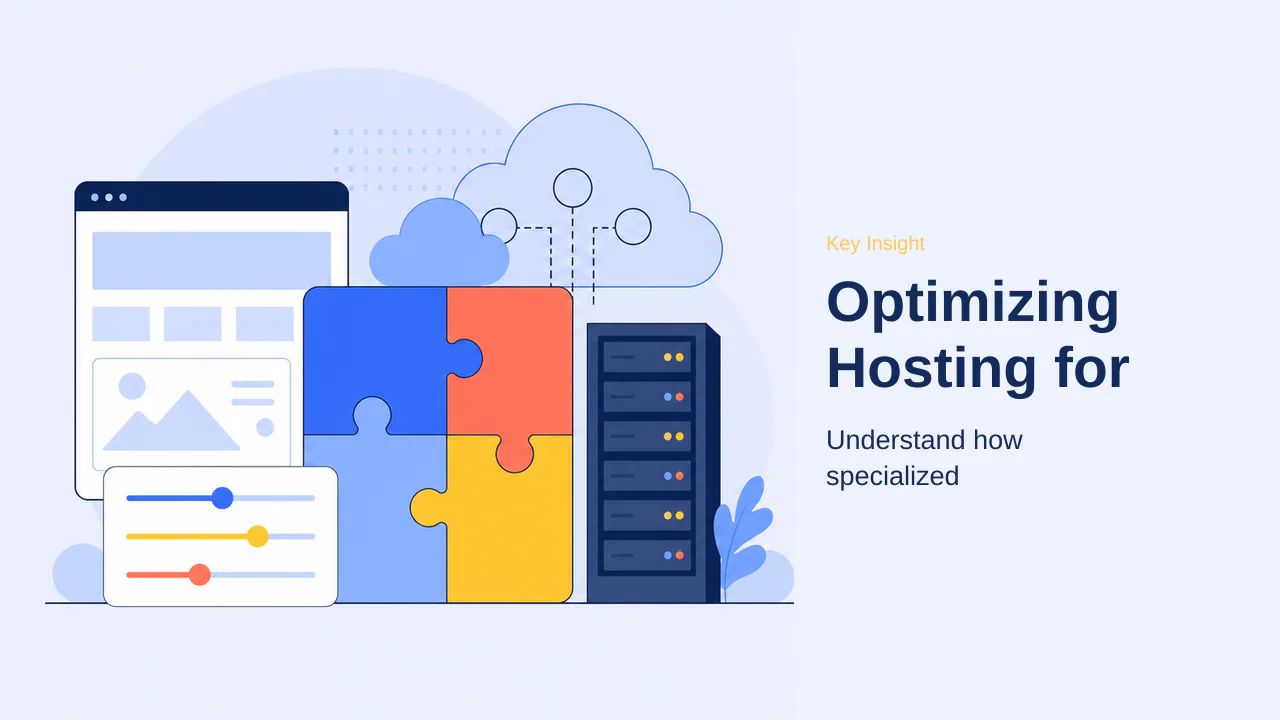
WordPress requires a specialized environment to handle its unique mix of dynamic PHP execution, database queries, and media assets. While general shared hosting provides a budget-friendly entry point, it often lacks the performance tuning necessary for growing sites. Managed WordPress hosting bridges this gap by configuring infrastructure specifically for the platform, shifting the heavy lifting from the application layer to the server.
The most significant performance gains come from server-level caching and optimized database handling. By utilizing technologies like Redis or Memcached for object caching, providers can serve recurrent queries directly from memory, drastically reducing the load on the origin server. This approach is far more efficient than relying on plugin-based solutions, which consume valuable CPU and memory on every page request.
Reducing malicious traffic at the infrastructure level is equally critical for maintaining stability. Because WordPress is a frequent target for automated bots and vulnerability scanners, specialized hosting platforms often implement intelligent threat detection. By filtering these requests before they reach the application, the server can dedicate its resources to genuine visitors, improving both speed and reliability.
- Leverage server-level caching to bypass resource-heavy PHP execution.
- Prioritize hosts that offer specialized support teams familiar with WordPress architecture.
- Use infrastructure-level security to block bots instead of resource-intensive plugins.
- Ensure the environment supports modern PHP versions and high-performance storage like NVMe.
The useful signal here is that the fastest WordPress site is often the one that spends the least amount of time processing traffic that should never have reached it. By offloading security and caching to the infrastructure, businesses can ensure a more resilient and performant experience for their users.
Beyond server-level caching, resource isolation plays a pivotal role in maintaining consistent performance for WordPress. In shared environments, a single site experiencing a traffic surge or a poorly optimized plugin can consume all available CPU and memory, effectively starving other sites on the same server. Managed WordPress hosting often utilizes containerization or dedicated resource pools to ensure that each site operates within its own boundaries. This prevents the “noisy neighbor” effect, where one site’s performance issues cascade to others, ensuring that your site remains responsive even during peak demand.
Furthermore, specialized WordPress environments frequently include integrated staging environments as a standard feature. These allow developers to test updates, plugin changes, or theme modifications in a sandbox that mirrors the production server’s configuration. By verifying changes in this isolated environment, administrators can prevent site-breaking errors from reaching live users. This proactive approach to testing is a hallmark of managed platforms, shifting the focus from reactive troubleshooting to stable, predictable updates.
- Utilize containerized resource allocation to prevent performance degradation from other sites.
- Perform all updates and configuration changes in a staging environment before deployment.
- Monitor server-side resource metrics to identify bottlenecks before they impact user experience.
- Select providers that offer automated, platform-specific backups to facilitate rapid recovery.
The useful signal here is that managed WordPress hosting is less about the software itself and more about the operational stability provided by the infrastructure. By offloading resource management, security, and testing workflows to the provider, businesses can maintain a high-performance site without the overhead of manual server administration.
Beyond infrastructure, version control serves as a critical layer for maintaining site integrity during iterative development. By tracking every change to themes, plugins, and custom code, administrators can pinpoint the exact source of a performance regression or security vulnerability. This practice, when paired with automated deployment pipelines, ensures that updates are applied consistently across staging and production environments, effectively eliminating human error during manual file transfers.
Furthermore, security audits should be conducted as a routine maintenance task rather than a reactive measure. Regularly scanning for outdated software components and verifying file permissions prevents the accumulation of technical debt that often leads to site-wide instability. When these security practices are integrated into the hosting workflow, the platform can proactively block unauthorized access attempts, ensuring that the server’s resources remain dedicated to legitimate user traffic.
- Implement version control to track code changes and facilitate rapid rollbacks.
- Automate deployment processes to minimize manual configuration errors.
- Conduct periodic security audits to identify and patch vulnerabilities before exploitation.
- Monitor server-side resource metrics to detect and resolve performance bottlenecks early.
Cloud Hosting vs. Traditional Infrastructure
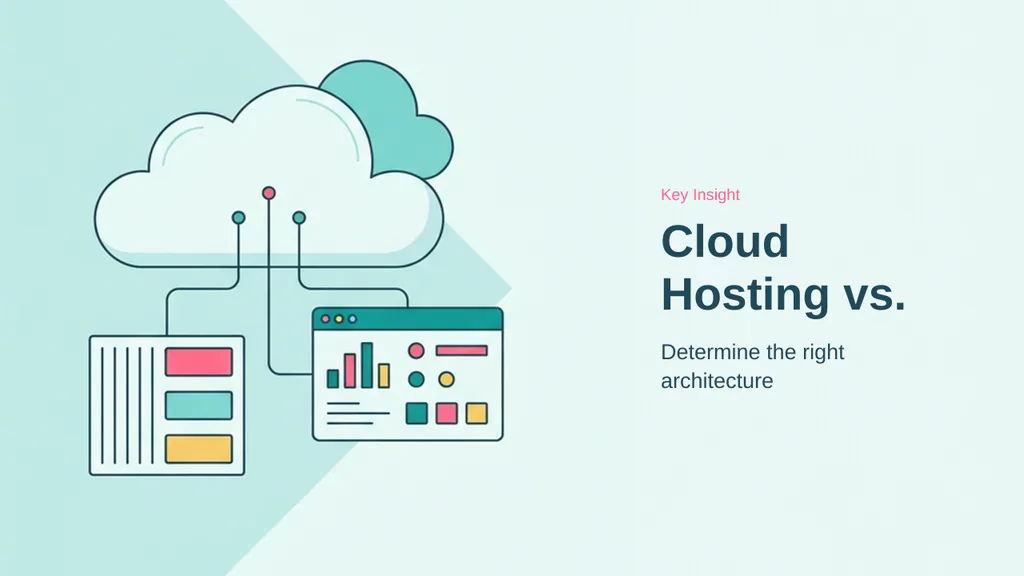
The distinction between cloud and traditional hosting often centers on how resources are provisioned and managed. Traditional hosting relies on single-server environments, where your website resides on one physical machine. This model is straightforward, predictable, and often cost-effective for static sites or small business pages with consistent, low-volume traffic. Because the environment is static, it is easy to understand and manage, making it a reliable choice for projects where the resource requirements are unlikely to fluctuate significantly.
When to choose traditional hosting
Traditional hosting is frequently the most efficient path for simple, brochure-style websites or personal blogs. If your site does not require complex scaling or high-availability features, the simplicity of a single-server setup minimizes overhead. You benefit from a predictable cost structure and a familiar management interface, which is ideal if you are not managing a high-traffic application. The safer read is to stick with traditional infrastructure if your primary goal is a stable, low-maintenance presence that does not demand the elasticity of a distributed system.
The benefits of distributed cloud infrastructure
Cloud hosting uses distributed infrastructure for better scalability, drawing resources from a network of interconnected systems rather than a single point of failure. This architecture allows your website to handle traffic spikes by dynamically allocating resources, ensuring that performance remains consistent even during unexpected surges. Because the workload is spread across multiple nodes, the system is inherently more resilient; if one hardware component fails, the network can often reroute traffic to maintain uptime. What matters for buyers is the ability to grow without the need for manual migrations or hardware upgrades. The useful signal here is that while cloud environments introduce more complexity, they provide the necessary flexibility for eCommerce platforms and business-critical applications that cannot tolerate downtime.
- Traditional hosting provides a predictable, single-server environment suitable for static content.
- Cloud hosting offers elastic resource allocation to manage variable traffic patterns.
- Distributed infrastructure improves resilience by mitigating the impact of individual hardware failures.
- Choosing between the two depends on whether your priority is simplicity or high-availability growth.
Beyond the architectural differences, the decision often hinges on your operational capacity. Traditional hosting requires you to manage your own resource limits and plan for hardware constraints, which can be a significant burden as your site grows. In contrast, cloud hosting shifts the burden of infrastructure management to the provider, allowing you to focus on application development rather than server maintenance. Cloud hosting uses distributed infrastructure for better scalability, which is vital for businesses that anticipate rapid growth or seasonal traffic spikes. By decoupling your site from a single physical machine, you gain the ability to scale resources on demand, ensuring that performance remains stable even when traffic patterns are unpredictable. Traditional hosting relies on single-server environments, which remains a viable, cost-effective choice for static sites where resource requirements are stable and well-understood. The useful signal here is that while cloud environments offer superior resilience, they also require a more strategic approach to cost management, as elastic resource usage can lead to variable monthly expenses if not monitored closely.
The process of selecting and optimizing web hosting is ultimately an exercise in risk management. While initial pricing often dominates the decision-making process, the true cost of hosting is measured in downtime, data loss, and the time spent troubleshooting technical failures. A resilient foundation requires more than just raw hardware; it demands a provider that integrates security, monitoring, and recovery into the core of their service. By prioritizing infrastructure quality—such as distributed cloud architectures for scalability or managed environments for WordPress—you effectively shift the burden of maintenance away from yourself and onto a partner equipped to handle it.
As your website grows, the limitations of entry-level hosting will inevitably surface. Recognizing these constraints early allows you to plan for seamless transitions, whether that involves moving to a more robust server configuration or implementing staging workflows to test changes before they impact your live audience. The most successful projects are those that treat hosting as a strategic asset rather than a commodity. By focusing on metrics like support responsiveness, backup frequency, and the ability to handle dynamic requests, you ensure that your site remains stable during high-traffic events and recovers quickly from unforeseen issues.
Ultimately, the goal is to create an environment where your technical infrastructure supports your objectives rather than hindering them. Whether you choose a large-scale provider for its flexibility or a specialized host for its hands-on management, the decision should always align with your long-term capacity requirements and your tolerance for technical complexity. By applying the principles of proactive design, rigorous testing, and resource isolation, you build a digital home that can withstand the challenges of an evolving web. The useful signal for any buyer is that the best hosting choice is the one that allows you to focus on your content and business goals, confident that the underlying technology is designed to remain operational, secure, and performant throughout every stage of your site’s development.